Raghwendra Web Services (RWS) built a custom file management system (FMS) for a software company in India. It is an intranet application, one that an organisation runs for its own staff and not for the public. The client runs it in its office for its employees to store, share and version project files.
RWS developed it on Laravel and MySQL as a one-time project, in four deliveries over six months. Established in 2005, RWS has delivered 650+ projects for clients in 20+ countries.
The brief
The client needed one library for its project documents, kept in an organised set of folders and used only by its own staff. Authenticated users could upload and download files, and the system was for internal use. RWS worked from a summary brief, which covered these areas:
- Uploading. Drag-and-drop upload, multiple versions of a file, and files assigned to several users.
- Storage. Files kept in a folder hierarchy, folders open only to authorised users, and deletion based on user role.
- Retrieval. Filters for searching files, a most-viewed and recently-viewed section on the dashboard, and dates in grid and list views.
- Version control. A history of changes to files and folders, a way to restore a file or version, and a recycle bin for deleted files.
- Roles and sections. Two roles, Admin and User, sharing managed by the admin, and the ability to add sections and departments.
- Security and search. Control over who could access information, what they could keep and what changes they could make. The brief also asked for a metadata library of shared tags and flexible indexing for faster searches.
How RWS built it
The brief set out what the system had to do. RWS and the client agreed to deliver it in four parts.
Delivery 1: the admin area
The first delivery gave administrators the core of the system:
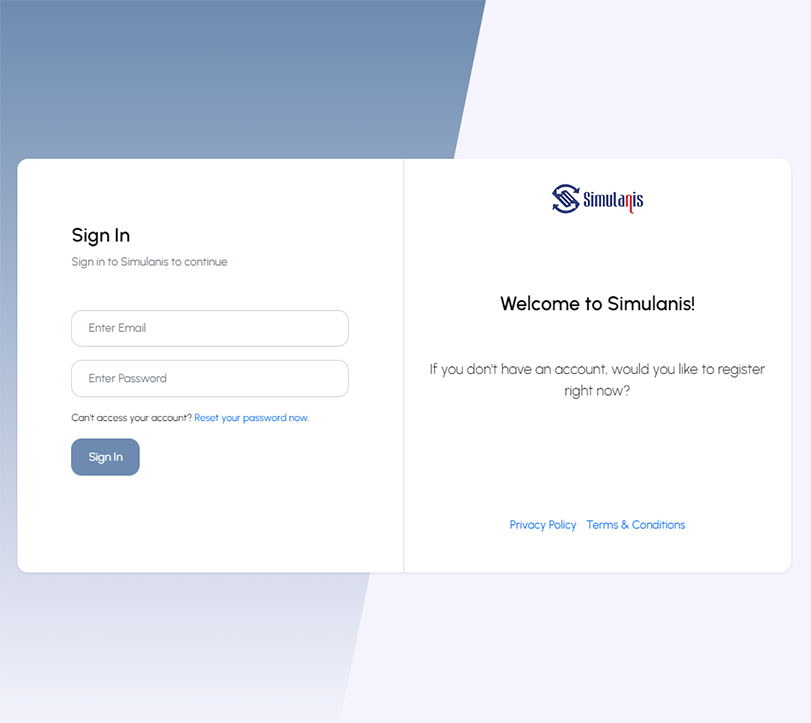
- Login and logout, and an admin profile screen
- User management
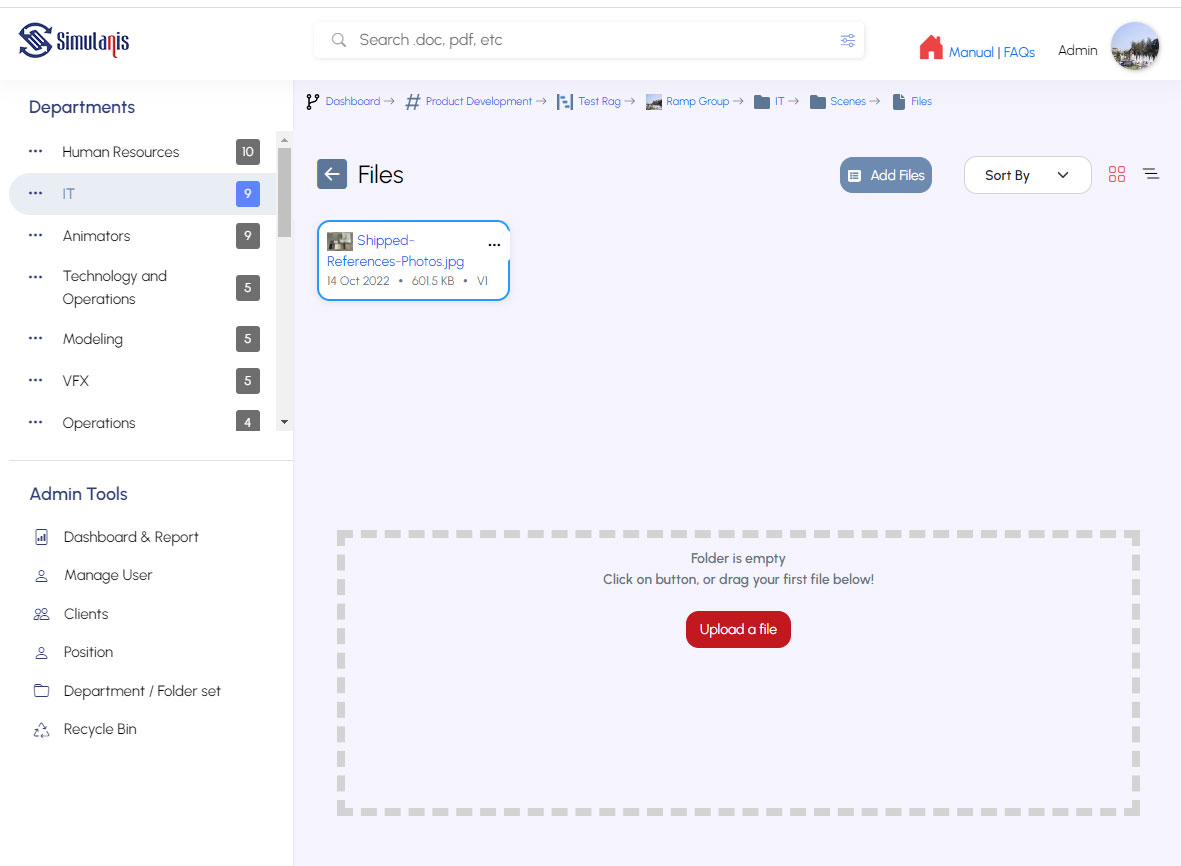
- Sections in the left-hand menu of the dashboard
- New folder creation and file upload
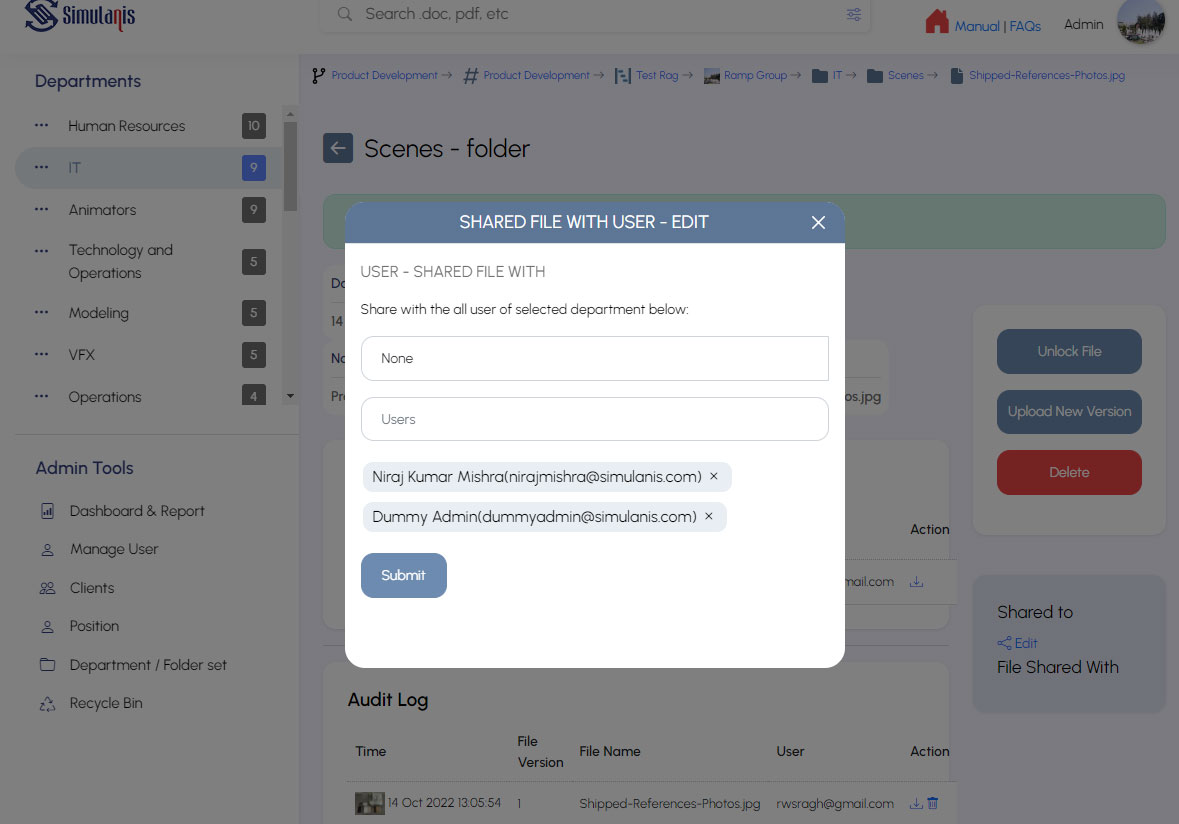
- Files shared internally and assigned to several users
- Folder filters by name and date, and list and grid views
Delivery 2: sharing and permissions
The second delivery added sharing and control:
- A share page showing which users had access
- Single-click selection of folders and files
- File locking
- Upload of user details from a CSV file, a plain-text spreadsheet format
- Deleting files and folders according to permissions
- Create, read, update and delete (CRUD) for projects, sections, folders and files
Delivery 3: moving files and the user area
The third delivery added file handling and the screens for ordinary users:
- Edit, delete and share for sections
- Download and move for selected folders and files
- Upload of multiple versions of a file
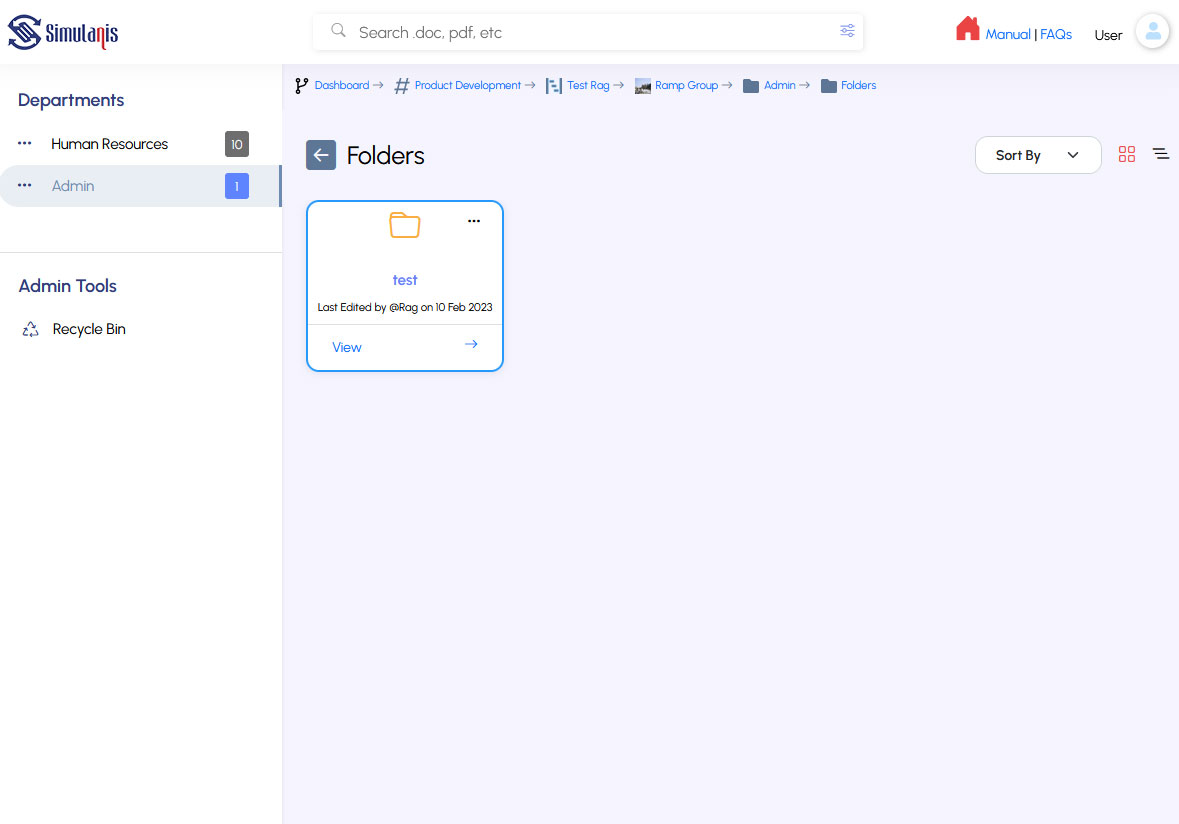
- A user profile screen and a user dashboard
Deleted files went into a project recycle bin, a holding area inside the system and not the computer's own bin. The system removed them from the server automatically after a set period.
Delivery 4: permissions, search and deployment
The last delivery completed the system:
- Deletion limited to permitted users
- Users sharing their own files with other users
- Advanced filters and search
- Deployment to the client's intranet server
Design and process
RWS began with the client's requirements and prepared wireframes after discussing them with the client. Development followed.
RWS analysed the project, designed the database and the user interface, and took the client's approval during development. After development, testing and debugging, RWS deployed the application on the client's local server remotely.
Who can do what
The system had two roles, Admin and User. An admin managed users and sections, and users could share their own files with other users.
Permission to upload and to delete files was given to individual users, so users with the same role could do different things. Only permitted users could delete files.
Decisions and trade-offs
Three choices shaped the work, and each had a cost.
A custom Laravel build, recommended by RWS. RWS suggested Laravel to the client and built the whole application on it. The cost is that upkeep after hand-over sits outside the project, because RWS does not maintain the system.
Four deliveries, agreed with the client. The work was split into four parts, each with its own list of features. The cost is that advanced search arrived in the last delivery, so earlier deliveries offered only filters by name and date.
Two roles, with permissions given to individual users. Upload and delete rights were set per user, so users with the same role could do different things. The cost is that those permissions have to be set user by user.
The result
- The client runs the system in its office as an intranet application for its employees.
- RWS delivered it in four parts over six months, built on Laravel with a MySQL database.
- Users upload, share, filter and search files and folders, with upload and delete rights set per user.
- Files can have multiple versions, and deleted files go to a project recycle bin.
- It was a one-time development project, deployed remotely on the client's local server.
Talk to us about your file management system
If your organisation needs a custom web application, such as a file management system, we would like to hear from you. Tell us what it has to do and who will use it. Visit our contact page.
Frequently asked questions (FAQs)
What is a file management system?
A file management system keeps documents in an organised set of folders and files. In this project, authenticated users uploaded and downloaded files for internal use.
What was the system built with?
RWS built it as a custom Laravel application with a MySQL database.
How long did the project take?
The four deliveries took six months.
Who could upload and delete files?
The system had two roles, Admin and User. Permission to upload and to delete files was given to individual users, and only permitted users could delete files.
Could a file have more than one version?
Yes. Users could upload multiple versions of a file.
What happened to deleted files?
They went into a project recycle bin, not the computer's own bin, and were removed from the server automatically after a set period.
Where does the system run?
It is an intranet application that the client runs in its office for its employees. RWS deployed it on the client's local server remotely.
